Payments

Pay Your Project Deposit

A 50% deposit starts your project. The remaining balance is due before your website goes live.

Step 1

Choose Your Package

Paying your final balance or a custom quote? Send the exact amount shown on your invoice.

Step 2

Send With Zelle

Zelle is free and built into most U.S. banking apps. Money arrives in minutes.
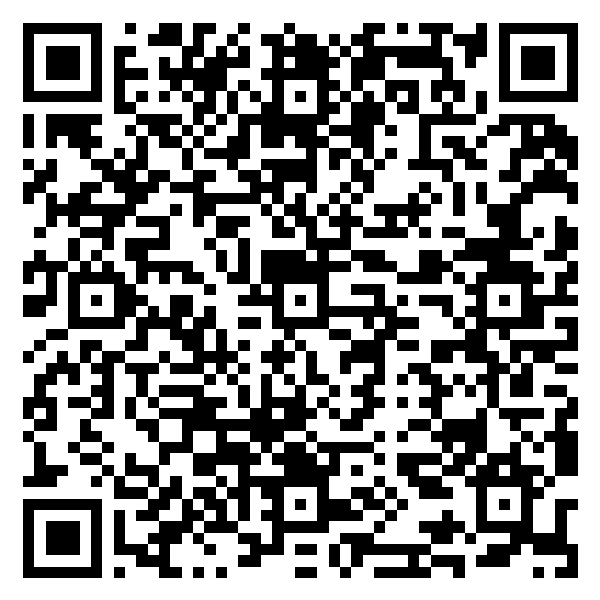
Zelle QR code for WebifyStack Agency

Bank of America

Scan with your banking app's camera in Zelle

Pay with Zelle

On your phone? Tap to open Zelle and choose your bank.

Send to (510) 363-7901
Recipient name NAJEEM UDDIN MOHAMMEDOwner of WebifyStack Agency
Amount Select a package above
Memo Your business name + package
  1. Open your banking app and go to Zelle.
  2. Scan the QR code, or paste the email/phone above.
  3. Confirm the recipient name matches NAJEEM UDDIN MOHAMMED before sending.
  4. Enter the amount and memo, then send.
Step 3

Let Us Know

Email us your Zelle confirmation and we'll reply with a receipt and your project kickoff date within 24 hours.

Payment safety

  • Only send payment after you've received and agreed to your project quote.
  • Zelle payments can't be cancelled once sent, so double-check the recipient name.
  • We will never ask you to pay a different account, by gift card, or through a link sent by someone else.
  • Questions? Call +1 (510) 363-7901 before you pay.